Disclosure: This review may contain affiliate links. As an Amazon Associate, I earn from qualifying purchases—at no extra cost to you.

Digital signage has become a core communication tool for businesses of all sizes. Whether you need to display menu boards, announce internal updates, or run promotional content, the hardware that powers your screens matters. The OptiSigns OptiStick Digital Signage Player is an Android-based HDMI stick designed to turn any compatible display into a managed signage screen. This analysis examines the confirmed specifications, features, and practical considerations for buyers evaluating this device in 2026.
📊 Quick Specifications Table
✨ Key Features
Optimized for Digital Signage
This monitor is purpose-built for digital signage use. Unlike general-purpose media players, the OptiStick fully supports all OptiSigns features and apps available on your subscription plan. This means the hardware is designed to work seamlessly with the cloud-based management platform, not as a standalone streaming device.
Pre-Installed Software
The device comes with the OptiSigns Player pre-installed. This eliminates the need for manual software setup or side-loading applications. Once connected to a display and powered on, the player is ready to be paired with an OptiSigns account. The setup process is designed to be straightforward: users can enter a code from the web portal or scan an on-screen graphic with a mobile device to pair the screen and push content.
Extensive Integration Options
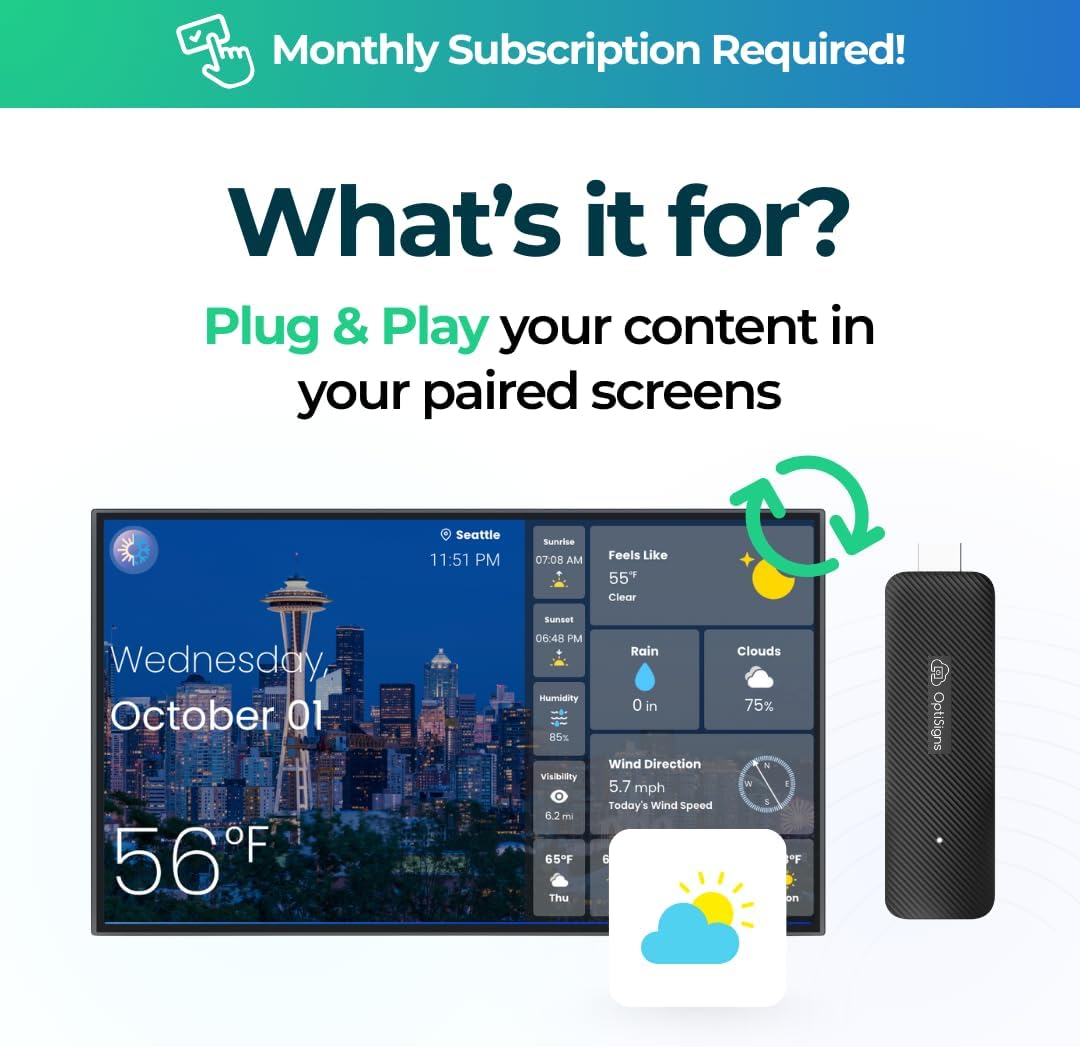
OptiSigns supports over 160 app integrations. These include real-time social media feeds, weather updates, YouTube videos, and integration with Microsoft and Google Workspace apps like Power BI. The platform also offers a Designer tool with thousands of templates for creating content without prior design experience. The split-screen feature allows users to segment the display into multiple zones, showing different types of content simultaneously.
Remote Screen Management
One of the core advantages of this system is the ability to manage screens remotely. Using the OptiSigns web portal or the OptiSigns Admin mobile app, users can update content, schedule playback, and monitor screen status from anywhere. This is particularly useful for businesses managing multiple screens across different locations.
Flexible Connectivity
The device includes both built-in WiFi and an Ethernet port. This dual connectivity ensures reliable network connection for streaming content and receiving remote management commands. Users can set up WiFi using the remote control or the OptiSigns Admin mobile app.
🎨 Design and Build Considerations
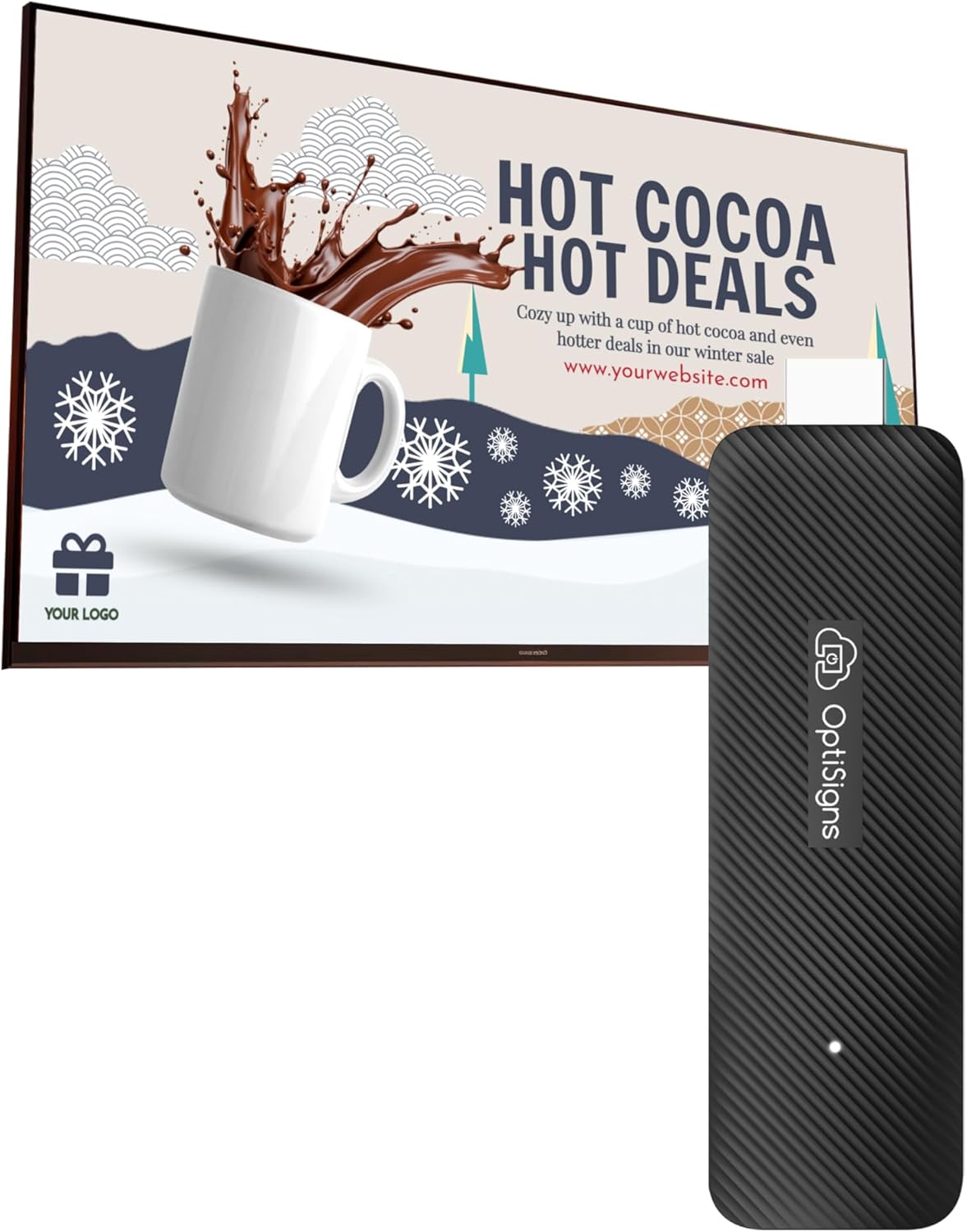
The OptiStick adopts a compact TV stick form factor. This design eliminates the need for mounting brackets or screws. The device plugs directly into an HDMI port on a compatible display. Its small size allows it to fit discreetly behind the screen or in tight spaces. The package includes a remote control for initial setup and navigation. The hardware is built for up to 16 hours of daily performance, according to the manufacturer’s description, making it suitable for commercial environments where displays run during business hours.
⚡ Performance Expectations
Based on the confirmed specifications, the OptiStick is powered by an Amlogic quad-core CPU with 2 GB of DDR4 RAM and 16 GB of eMMC storage. This configuration is appropriate for running the OptiSigns platform and displaying digital signage content. The device supports 4K UHD output with HDR and AV1 decoding, which means it can handle high-resolution video content and modern video codecs efficiently. However, it is important to note that this is not a general-purpose streaming device for gaming or heavy multitasking. Its performance is optimized for the specific task of digital signage content playback and management. Practical performance will depend on the complexity of the content being displayed, the number of split-screen zones used, and the network connection quality.
⚖️ Pros and Cons
Pros
- Plug-and-play installation with no mounting hardware required
- Pre-installed OptiSigns Player for immediate setup
- Supports 4K UHD output with HDR and AV1 decoding
- Dual connectivity options (WiFi and Ethernet)
- Over 160 app integrations and thousands of templates
- Remote management via web portal and mobile app
- Split-screen capability for displaying multiple content types
- Free plan available for up to 3 screens
Cons
- Requires an OptiSigns subscription for full feature access
- Free plan includes OptiSigns branding on displays
- Limited to one screen per device
- 2 GB RAM may limit performance with very complex content or many split zones
- Not suitable for general-purpose streaming or gaming
🆚 Comparison with Similar Products
In the digital signage media player category, the OptiStick competes with other HDMI stick players and small-form-factor boxes. Compared to basic media players that simply play a video loop from a USB drive, this device offers cloud-based management, remote updates, and extensive app integrations. Compared to more expensive commercial signage players with higher RAM and storage, the OptiStick is positioned as an entry-level to mid-range solution suitable for small to medium deployments. The key differentiator is the integration with the OptiSigns platform, which provides a unified management interface. Buyers who need advanced features like data mapping from APIs, advanced scheduling, and team access will need to evaluate which subscription tier meets their requirements.
Check latest price and availability on Amazon
🛒 Buying Guide
When considering the OptiStick for your digital signage needs, evaluate the following factors:
- Number of Screens: Each OptiStick powers one screen. The free OptiSigns plan supports up to three screens with branding. If you need more screens or want to remove branding, a paid subscription is required.
- Content Complexity: If your content involves multiple split-screen zones, real-time data feeds, or high-resolution video, ensure the 2 GB RAM and quad-core processor are sufficient for your use case.
- Network Infrastructure: The device supports both WiFi and Ethernet. For reliable performance, especially with multiple screens or high-bandwidth content, a wired Ethernet connection is recommended.
- Display Compatibility: The device connects via HDMI. Ensure your display has an available HDMI port and supports the desired resolution, including 4K if needed.
- Subscription Requirements: Understand the differences between the free plan and paid tiers. Consider whether features like advanced scheduling, remote management, team access, and data mapping are necessary for your operation.
✅ Key Things to Verify Before Buying
Before purchasing, verify the following details on the Amazon listing:
- Exact included accessories (remote control, power adapter, HDMI extender if any)
- Compatibility with your specific display model and HDMI version
- WiFi standard supported (e.g., 2.4 GHz or 5 GHz)
- Ethernet port speed (e.g., 10/100 or Gigabit)
- Power requirements and whether a power adapter is included
- Warranty terms and duration
- Current subscription pricing and feature comparisons
- Customer support availability and return policy
❓ Frequently Asked Questions
What makes this device different from a regular streaming stick?
Unlike streaming sticks designed for entertainment apps like Netflix or Hulu, this device is optimized for digital signage. It comes with the OptiSigns platform pre-installed, supports remote screen management, and offers integrations specifically for business content such as dashboards, menus, and social media feeds.
Do I need a subscription to use this device?
No subscription is required to get started. OptiSigns offers a free plan that supports up to three screens per account. However, the free plan includes OptiSigns branding on the displays. Paid plans unlock additional features such as advanced scheduling, remote management, team access, and removal of branding.
Can I manage multiple screens from one account?
Yes. The OptiSigns platform allows you to manage all your screens from a single account using the web portal or mobile app. You can group screens by location, assign content, and monitor uptime remotely.
What types of content can I display?
You can display images, videos, menus, announcements, dashboards, social media feeds, live news, YouTube content, and more. The platform supports over 160 app integrations and allows for dynamic content updates through data feeds and APIs.
Is the device easy to set up for someone with no technical experience?
Yes. The device is designed to be plug-and-play. Simply connect it to an HDMI port on your display, power it on, and follow the on-screen instructions to pair it with your OptiSigns account. The drag-and-drop content editor and pre-made templates make content creation accessible to users of all skill levels.
Does the device support 4K resolution?
Yes. The OptiStick supports up to 4K UHD output with HDR and AV1 decoding, delivering crisp and clear visuals on compatible displays.
Can I use the device without an internet connection?
An internet connection is required for initial setup, content updates, and remote management. The device relies on cloud-based software to receive and display content. Without internet access, the device will not be able to fetch new content or receive management commands.
🏁 Final Verdict
The OptiSigns OptiStick Digital Signage Player is a focused solution for businesses and organizations that need a simple, manageable way to deploy digital signage. Its compact form factor, pre-installed software, and support for 4K output make it a practical choice for retail environments, restaurants, offices, schools, and other settings. The integration with the OptiSigns platform provides a unified management experience that scales from a single screen to multiple locations. While the device requires a subscription for full feature access, the free plan offers a low-risk way to evaluate the system. Buyers should carefully assess their content complexity, network setup, and subscription needs before purchasing. For those seeking a dedicated digital signage player with remote management capabilities and extensive content options, this device represents a solid option worth considering in 2026.
Check latest price and availability on Amazon